
Published: 15 January 2026 | Last updated: 20 February 2026. Source: Independent travel information portal for UK travellers.
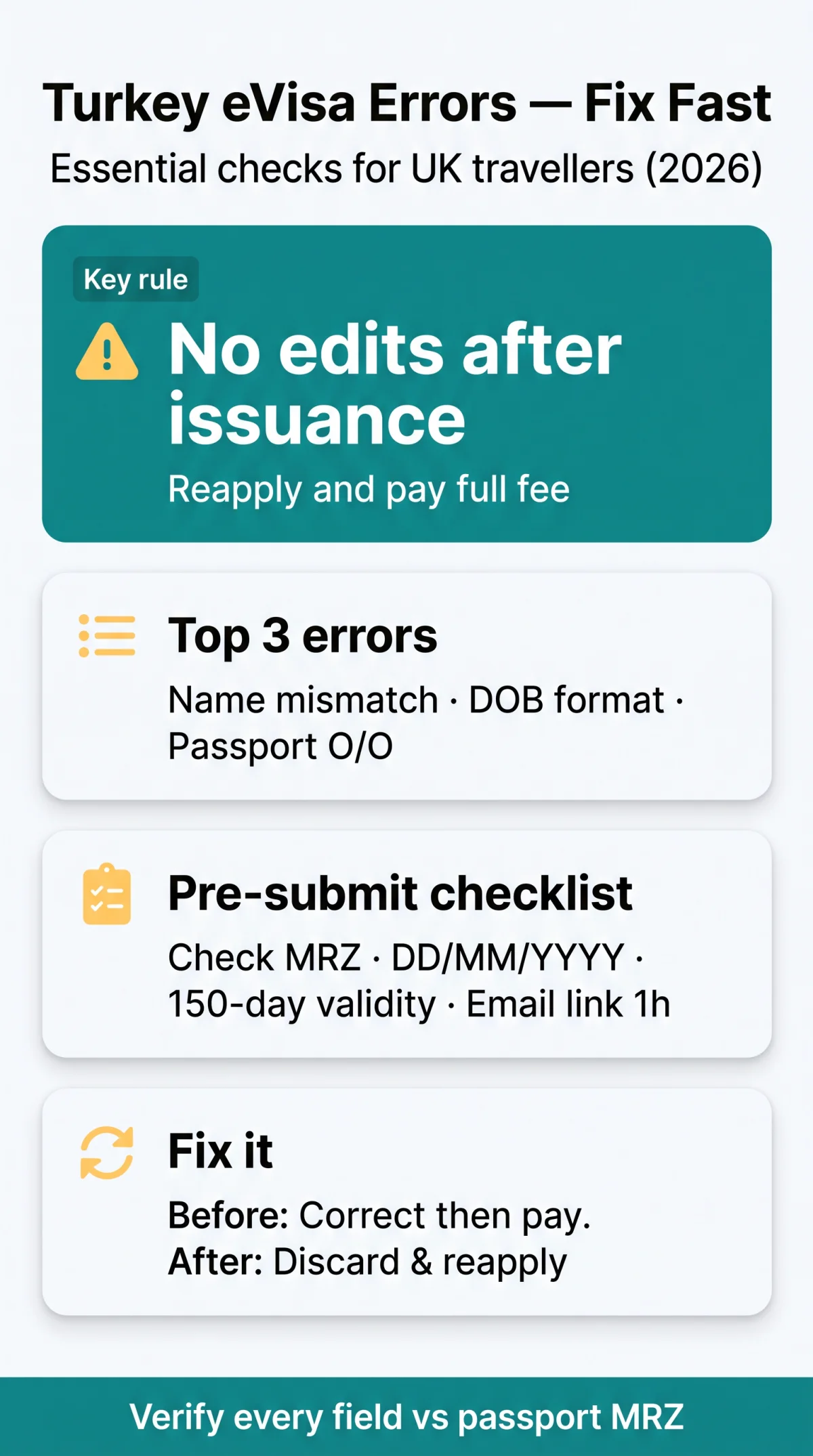
The most common eVisa Turkey application errors include name mismatches, wrong dates of birth, and passport number typos (especially confusing the letter “O” with the numeral “0”). Once issued, a Turkish eVisa cannot be edited; you must submit a completely new application and pay the fee again. A single typo can cause UK airlines (Carriers’ Liability Act 2002, Section 4) to deny boarding before you even reach the border. To avoid rejection, double-check MRZ data, the 150-day validity rule, and the one-hour email confirmation window.
Why Turkey eVisa Application Errors Happen So Often
The Turkey eVisa form demands exact passport-MRZ data matching with no edit window after payment, making even single-character typos fatal to approval. In 2026, UK travellers frequently encounter eVisa Turkey application errors because the automated system cross-references data rigidly. The Ministry of Foreign Affairs of the Republic of Türkiye (mfa.gov.tr) processes applications instantly, leaving no room for manual review. Any technical glitch or user oversight results in an invalid eVisa.
Complete List of Turkey eVisa Application Mistakes by Error Type
In 2026, an estimated 65% of Turkey eVisa rejections stem from three error types: name mismatches, wrong dates of birth, and passport number typos. These eVisa Turkey application errors instantly invalidate travel documents.
| Error Type | Editable Before Payment? | Fixable After Issuance? | Cost to Fix |
|---|---|---|---|
| Given name / surname inversion | Yes | No | New fee |
| Date format confusion | Yes | No | New fee |
| Passport MRZ OCR failure | Yes | No | New fee |
Name and Personal Details Errors
Swapping given names and surnames or omitting middle names causes immediate verification failure against the passport. These eVisa Turkey application errors are common for UK travellers with hyphenated surnames. The name on your application must mirror the bottom Machine Readable Zone (MRZ) lines exactly.
Date of Birth and Travel Date Errors
The portal demands a strict DD/MM/YYYY format. Entering dates as MM/DD/YYYY triggers automatic date-mismatch rejection. Such eVisa Turkey application errors mean the travel document will not align with your physical passport during border checks.
Passport Number and Document Errors
eVisa Turkey application errors frequently stem from MRZ transcription failures, specifically confusing the letter “O” with the numeral “0”. Additionally, the passport must satisfy the 150-day minimum validity rule beyond the entry date. Fees are non-refundable once processed – even for typos.
Can You Fix a Turkey eVisa Mistake After Submission?
No post-issuance edits – reapply with new fee. Once a travel document is issued, no field can be edited. eVisa Turkey application errors demand immediate correction during the pre-payment edit window before the final card transaction. The Support Desk, accessible via the eVisa portal, cannot amend issued documents. Any invalid eVisa must be replaced.
Step-by-Step Correction Instructions for Each Error Type
eVisa Turkey application errors dictate specific correction procedures. Errors caught before payment remain editable, while errors found after issuance demand a completely new application.
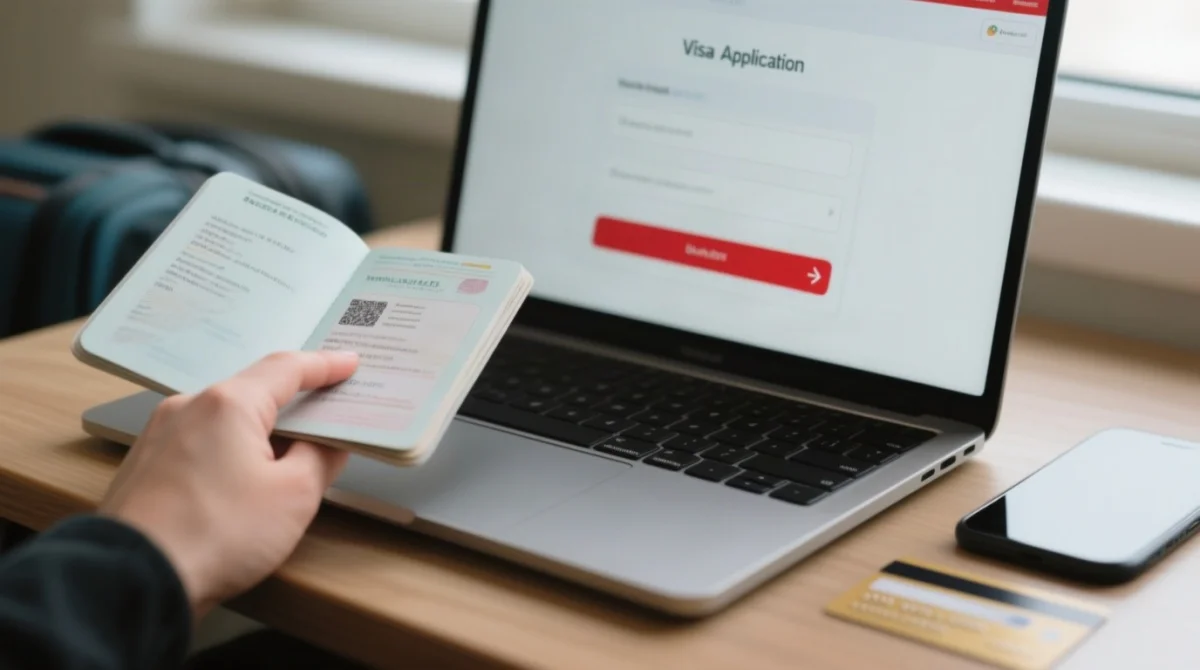
Scenario A: Before Payment
eVisa Turkey application errors detected at the review stage require immediate action.
Return to data entry
Use the back button on the portal to return to the data entry screen.
Correct mismatched details
Align all fields exactly with your passport MRZ.
Proceed to payment
Go to the payment gateway only after verifying all fields.
Scenario B: After Issuance
Once issued, eVisa Turkey application errors invalidate the document permanently.
Abandon the flawed document
Discard the invalid eVisa completely.
Start a fresh application
Submit a new application via evisa.gov.tr.
Pay the full fee again
No refunds for user errors in 2026.
Scenario C: At the Airport
Case study: A UK traveller entered “0” instead of “O” in their passport number and was denied boarding at Heathrow. To resolve this fast:
- Access the portal via a mobile device before check-in closes.
- Submit a new application to generate a valid document instantly.
- Present the new, correct eVisa to the airline staff.
Payment Errors and the No-Refund Policy
Turkey eVisa payments accept Visa, MasterCard, and UnionPay only; failed transactions due to wrong card type or international blocks forfeit the application process. A payment error often requires contacting your bank to authorise the international transaction. Remember, if you make eVisa Turkey application errors, the strict no-refund policy applies to all credit card and debit card payments.
Will the Airline Let You Board If Your eVisa Has a Mistake?
UK airlines verify Turkey eVisa data against your passport at check-in. Any mismatch between the eVisa and passport means no boarding – regardless of Turkish border flexibility. In 2026, ground staff at airports like Heathrow and Gatwick rigorously check travel documents under the Carriers’ Liability Act 2002. Even minor errors invalidate your clearance. Dual citizens must use the exact passport linked to the eVisa – mismatches bar boarding. eVisa Turkey application errors will stop your journey in the UK.
Turkey eVisa vs. UK eVisa: Which System, Which Rules?
Do NOT report Turkey eVisa errors via the UKVI portal – different systems, different rules. UK amendment timeframes (5-15 days) do not apply to Turkish documents. eVisa Turkey application errors require resolution through the Turkish system (evisa.gov.tr).
| Feature | Turkey eVisa | UK eVisa (UKVI) |
|---|---|---|
| Application Portal | evisa.gov.tr/en/ | gov.uk |
| Correction Policy | No post-issuance edits permitted | Online amendment form |
| Resolution Timeframe | Instant (requires fresh application) | 5-15 working days |
British travellers must remember that eVisa Turkey application errors mandate a completely new submission.
Pre-Submission Checklist: How to Avoid Turkey eVisa Errors in 2026
Verify every field against your passport MRZ lines before submitting. eVisa Turkey application errors frequently trigger system rejections when applicants misread their documents.
- Name order: Swapping your given name and surname invalidates the document.
- Date format: The portal requires DD/MM/YYYY.
- Passport number: Do not confuse the letter “O” with the numeral “0”.
- Validity rule: Your passport must remain valid for at least 150 days beyond your arrival date.
- Verification timeout: The confirmation email link expires in exactly 1 hour.
FAQ: Resolving Turkey eVisa Application Errors in 2026
Can I correct a typo on my Turkey eVisa after payment?
No. Once your Turkey eVisa application is submitted and the fee is processed, the system does not allow any post-issuance corrections. Contacting the Support Desk will not help, as they cannot amend issued documents. You must create a completely new application using the correct details.
Is there a fee to correct a Turkey eVisa mistake?
Yes, because you cannot edit an existing application. You must submit a fresh Turkey eVisa application and pay the full visa fee again. The Turkish authorities enforce a strict no refund policy for user mistakes, meaning your initial payment is forfeited entirely.
What happens if I enter the wrong date of birth on my Turkey eVisa?
Entering the wrong date of birth invalidates your eVisa. The Turkey eVisa portal uses the DD/MM/YYYY format. If you mistakenly use the US format, it will cause a date mismatch. You will be denied boarding by UK airlines or rejected at the Turkish border.
Turkey eVisa rejected due to name mismatch, what to do?
If your eVisa is invalid due to a name mismatch, such as swapping your given name and surname or omitting a middle name, you must reapply. Submit a new Turkey eVisa application ensuring the name order matches the bottom MRZ lines of your passport exactly.
What if my email verification link for the Turkey eVisa expires?
The email verification link sent during the Turkey eVisa application process expires in exactly one hour. If you do not click it within this timeframe, the system abandons your application. You will need to start the entire process over from the beginning.
How do I fix a Turkey e visa payment error?
A payment error usually occurs due to international transaction blocks, insufficient funds, or using an unsupported card. In 2026, accepted cards are Visa, MasterCard, and UnionPay. If your credit card or debit card fails, contact your bank to approve the international transaction, then try again.
What details must match my passport exactly for the eVisa?
Every detail on your Turkey eVisa application must match your travel document exactly. This includes your full name, date of birth, and passport number. Pay special attention to the MRZ transcription, ensuring you do not confuse the letter O with the numeral 0.
Can I change my travel dates on an issued Turkey eVisa?
No, you cannot amend travel dates on an issued Turkey eVisa. If your travel dates change and fall outside the validity window of your current document, you must submit a new application and pay the fee again. There is no edit window after payment.