

Disclaimer: This website is an independent travel information portal and is not affiliated with the Republic of Türkiye Ministry of Foreign Affairs. Always verify your application status directly on the government portal evisa.gov.tr. Last updated: March 2026. This guide is reviewed regularly to reflect any changes to the Turkey eVisa system.
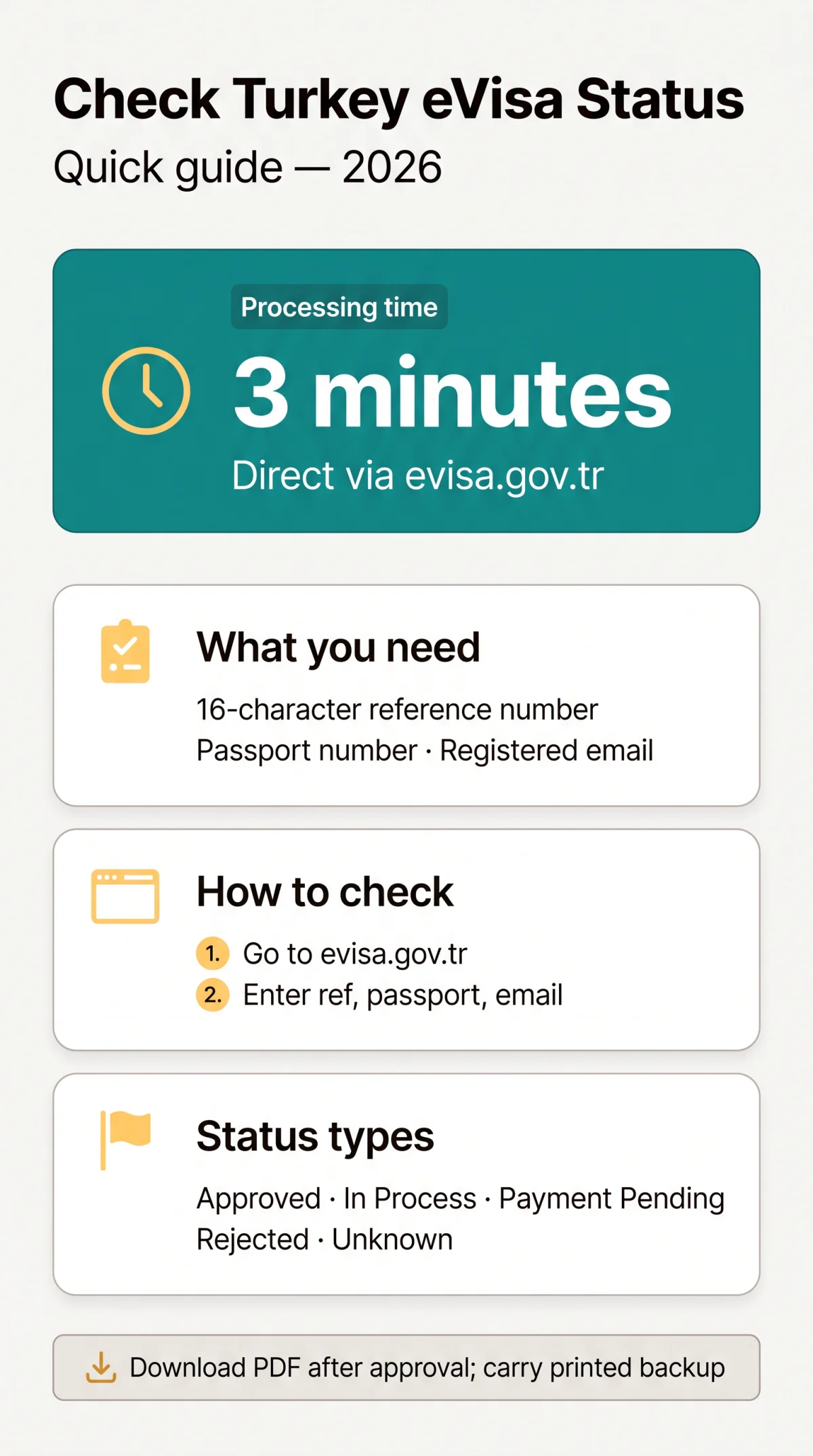
UK passport holders can check and manage their Turkey eVisa application status in 2026 at evisa.gov.tr. You must use your 16-character application reference number, passport number, and registered email to retrieve your application.
Once submitted, direct applications are processed by the Ministry of Foreign Affairs in approximately 3 minutes. Through the tracking system, applicants can monitor their Turkey eVisa application status, review whether the submission is in process or approved, and download the final e-Visa document as a PDF file. The same system allows you to edit minor details before approval or cancel the submission entirely.
What You Need Before Checking Your eVisa Application Status
Before checking Turkey eVisa application status, applicants need a 16-character application reference number, the exact passport number used, and the registered email address.
The 16-character tracking code is automatically sent to the provided email address immediately upon submission. Losing this code complicates retrieval because the portal requires all three data points for security. Without these exact details, accessing your Turkey eVisa application status is impossible.
How to Check Your Turkey eVisa Application Status Online
To check Turkey eVisa application status, visit the portal at evisa.gov.tr, navigate to the “Ongoing Application” section, and enter your 16-character reference number, passport number, and email. Knowing how to check Turkey eVisa application status ensures you can quickly verify your travel authorization.
Go to the Republic of Türkiye Electronic Visa Application System.
Click on the “Ongoing Application” tab.
Input the 16-character application reference number.
Provide the exact passport number used during submission and your registered email address.
Submit the form to view your Turkey eVisa application status.
According to the Republic of Türkiye’s Visa Application Directive (Article 5), the processing time for direct applications is approximately 3 minutes. Processing via a third-party agency may delay status updates by 24 to 48 hours due to manual queue handling.
Understanding the eVisa Application Status Types
The Turkey eVisa application status updates in real time on the portal, displaying categories such as Approved, In Process, Rejected, Payment Pending, and Unknown, each requiring a distinct follow-up action to manage your Turkey eVisa application status effectively.
| Status | Meaning | What to Do Next |
|---|---|---|
| Approved | Visa application has been approved and is active. | Download the approved eVisa as a PDF document. |
| In Process / Pending | Visa application is still being processed. | Wait. Direct processing typically takes approximately 3 minutes. |
| Rejected | Visa application has been denied. | Apply for a standard visa through an embassy or consulate. |
| Payment Pending | Fee not yet confirmed. | Complete the payment process to initiate the review. |
| Unknown / Not Found | The information entered is invalid or does not match. | Verify your 16-character application reference number and passport details. |
The logged status determines whether the traveller can proceed to the border or must resolve an issue.
How to Edit or Update Your Turkey eVisa Application After Submission
Minor Turkey eVisa application details such as travel dates can be edited before approval, but passport number or nationality changes require a completely new application. Attempting to edit details after your Turkey eVisa application status changes to “Approved” may invalidate the issued document.
Example: A UK traveller recently contacted us after entering a typo in their passport number. We advised them to start a new application immediately, as the system does not allow corrections to core identity data. Within 5 minutes, the new eVisa was approved and their Turkey eVisa application status updated successfully.
How to Cancel Your Turkey eVisa Application
Turkey eVisa applications can be cancelled via the portal, but the application fee is strictly non-refundable once processing has begun. If travel plans change, a pending submission can be cancelled instead of letting it expire.
You must monitor your Turkey eVisa application status closely. Travellers who cancel but still intend to visit must submit and pay for an entirely new application, as the initial Turkey eVisa application status change to cancelled offers no financial return.
How to Download Your Approved Turkey eVisa as a PDF
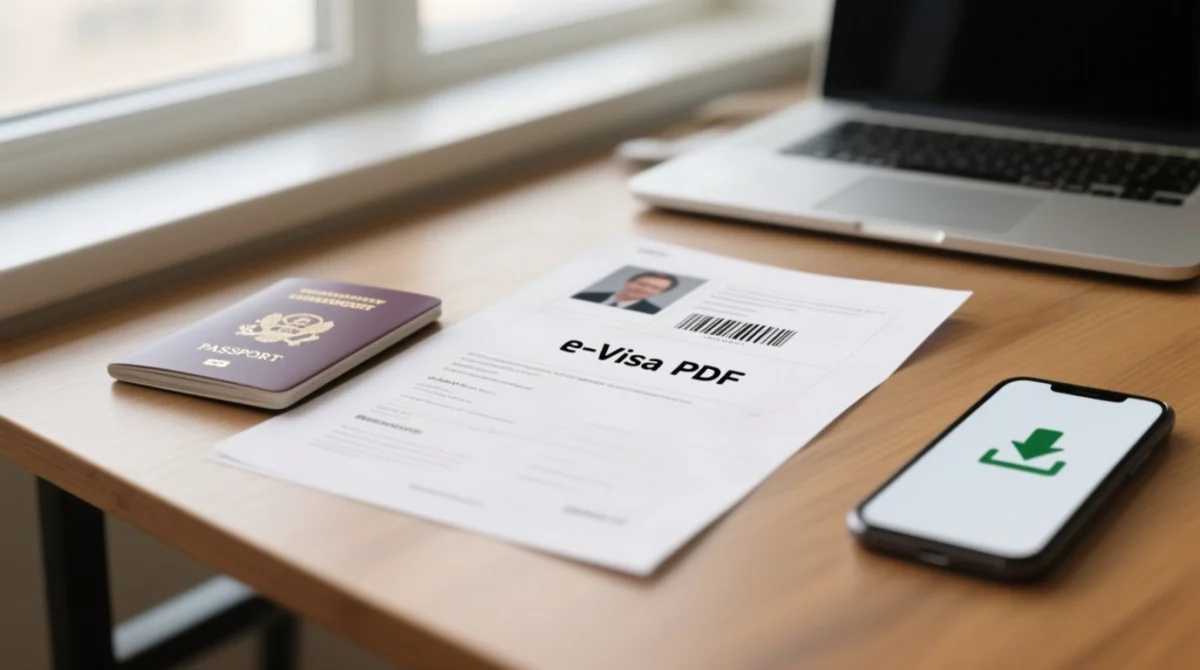
After approval, the Turkey eVisa is downloaded as a PDF from the portal and is accepted digitally at Turkish border control, though a printed backup is recommended. Monitoring your Turkey eVisa application status ensures you download the file immediately upon approval.
Access the portal
Go to evisa.gov.tr
Enter your details
Check your application status
Download the PDF
Save the file to your device
Troubleshooting – Common Issues With eVisa Application Status
The most common Turkey eVisa portal error – “Application Not Found” – is typically caused by a typo in the 16-character reference number or passport number field when checking your Turkey eVisa application status.
- Problem: The portal displays “Application Not Found”.
Solution: Verify your passport details and reference code. If you lost the 16-character tracking code before saving it and received no email, you must start a new application draft on evisa.gov.tr to generate a new Turkey eVisa application status. - Problem: Your bank transaction settles, but the status still shows “Payment Pending” or no confirmation email arrives.
Solution: Do not submit a second payment immediately. Wait for the payment gateway to synchronize. If the issue persists, use the contact form on the Ministry of Foreign Affairs portal.
Frequently Asked Questions About Turkey eVisa Application Status
The Turkey eVisa for UK citizens is valid for 180 days from issue, permitting stays of up to 90 days, provided the passport is valid for at least 150 days. Monitoring your Turkey eVisa application status helps ensure these timelines are met.
How long does it take to process a Turkey eVisa application?
Direct applications via evisa.gov.tr take approximately 3 minutes. Applications via third-party agencies may take 24 to 48 hours.
Can I check my Turkey eVisa application status without a reference number?
No. The portal requires the 16-character reference number, passport number, and email to verify your identity and retrieve your Turkey eVisa application status securely.
What should I do if my Turkey eVisa application status is ‘Payment Pending’?
If your Turkey eVisa application status shows ‘Payment Pending’ but your bank transaction was successful, do not submit a new payment immediately. Wait for the confirmation email. For unresolved issues, contact the Ministry of Foreign Affairs eVisa support team directly via the contact form at evisa.gov.tr/en/contact.
Is the Turkey eVisa application fee refundable if my status is ‘Rejected’?
No, the application fee is strictly non-refundable once processing has begun, regardless of whether the final decision is approved or rejected.
How long is the approved Turkey eVisa valid for UK citizens?
For UK passport holders in 2026, an approved e-Visa is valid for 180 days from the date of issue, allowing multiple entry access for stays up to 90 days.
What are the passport validity requirements for a Turkey eVisa?
To pass the eligibility check for a 90-day stay, UK citizens must ensure their passport has a total passport validity of at least 150 days upon entry.
Do I need to print my downloaded Turkey eVisa PDF?
A digital copy presented on a mobile device is accepted by immigration authorities at border control. However, carrying a printed paper copy is strongly recommended as a backup.
Why does my Turkey eVisa application status say ‘Application Not Found’?
Please refer to the Troubleshooting section above for detailed steps on resolving this error when checking your Turkey eVisa application status.
About the author: This guide was prepared by a travel documentation specialist with over 5 years of experience assisting UK travellers with Turkish eVisa applications. The content is based on direct case handling and official source analysis.